Epitome – FPS Boost & FOV Changer Guide
All GuidesBy traxx • 2026-02-27 21:19:20
Epitome – FPS Boost & FOV Changer Guide
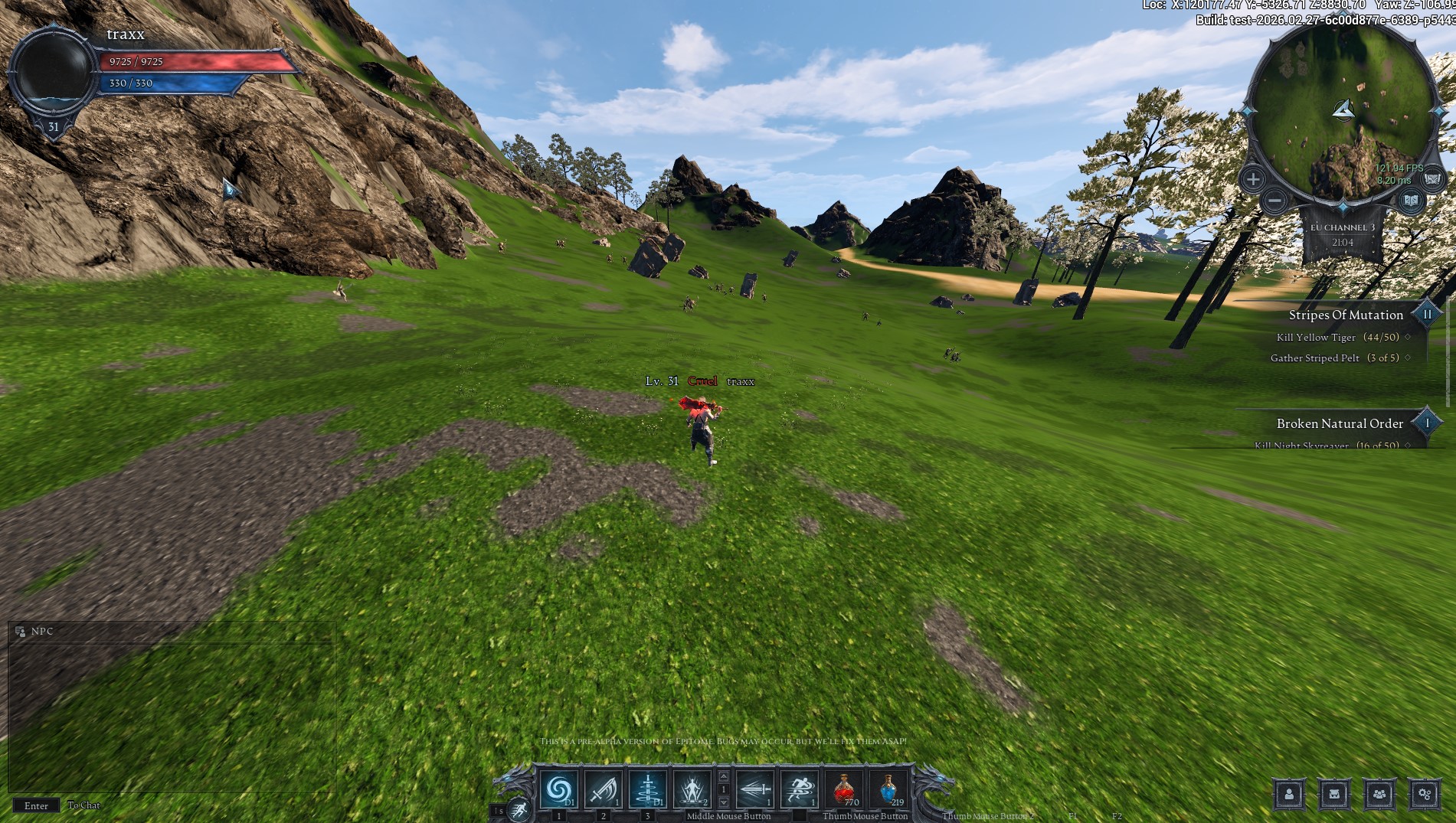
This guide will show you how to increase your FPS and unlock a higher Field of View (FOV) using console commands.
Step 1 – Configure the Launcher
Open the launcher and go to Settings.
- Language: English
- Action after running the game: Close Launcher
- Additional Game Parameters:
-newconsole -log - Game Renderer: DX11 (recommended for stability)

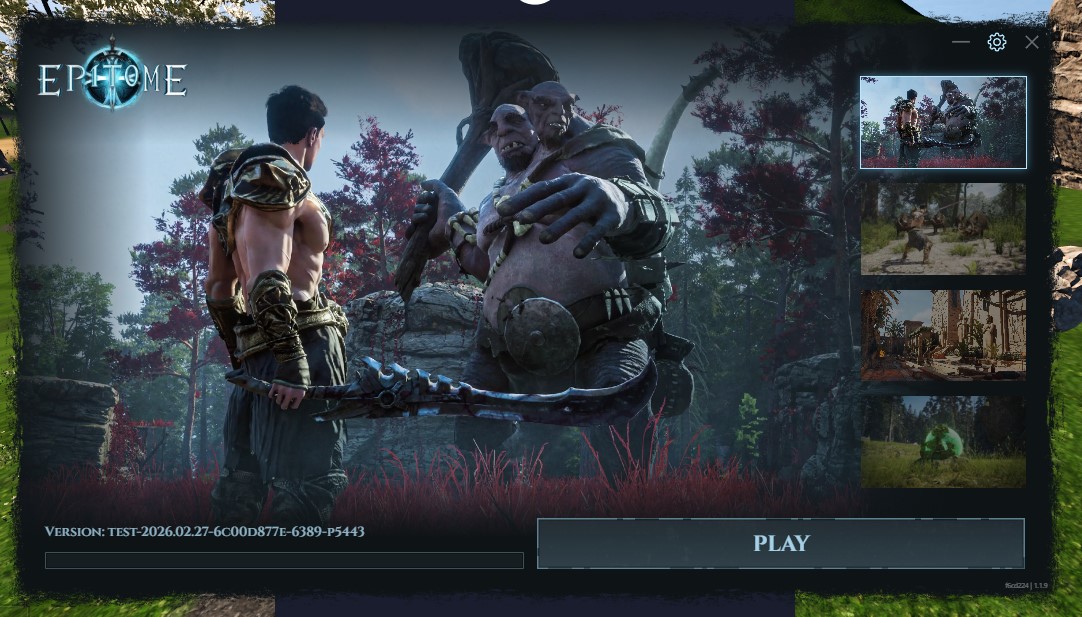
Step 2 – Launch the Game
Click Play in the launcher.
Step 3 – Open the In-Game Console
- Enter the game.
- Open the console (usually the ~ key).
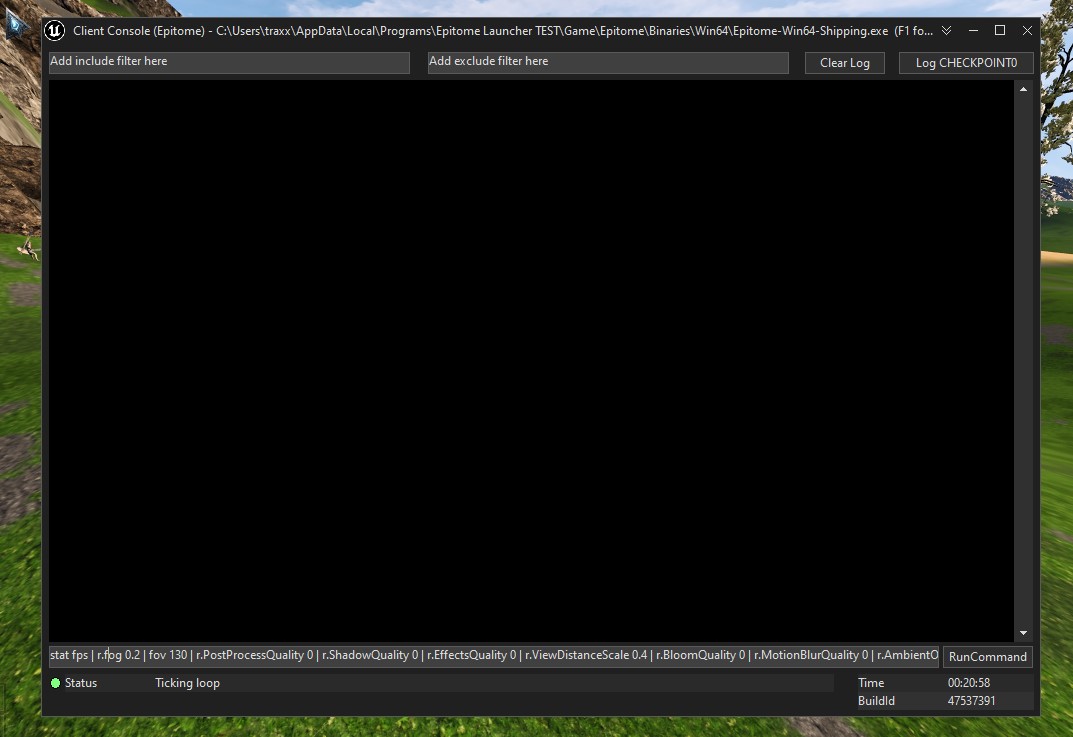
- The console window should appear.
Step 4 – Paste the FPS Boost & FOV Command
Copy and paste the following command into the console:
stat fps | r.fog 0.2 | fov 130 | r.PostProcessQuality 0 | r.ShadowQuality 0 | r.EffectsQuality 0 | r.ViewDistanceScale 0.4 | r.BloomQuality 0 | r.MotionBlurQuality 0 | r.AmbientOcclusionLevels 0
What This Command Does
🎥 FOV Changer
fov 130– Increases your field of view for better visibility and awareness.
🚀 FPS Boost Settings
stat fps– Shows your FPSr.fog 0.2– Reduces fog densityr.PostProcessQuality 0– Disables post processingr.ShadowQuality 0– Disables shadowsr.EffectsQuality 0– Disables visual effectsr.ViewDistanceScale 0.4– Reduces view distancer.BloomQuality 0– Disables bloomr.MotionBlurQuality 0– Disables motion blurr.AmbientOcclusionLevels 0– Disables ambient occlusion
Results
After applying these settings you should notice:
- Higher FPS
- Wider field of view
- Smoother gameplay
- Better visibility in combat
Note: You may need to re-enter the command after restarting the game.